Web Audio Apps

Four interactive audio apps that run straight in the browser, built with p5.js, p5.sound, p5.speech and Meyda. Nothing to install.

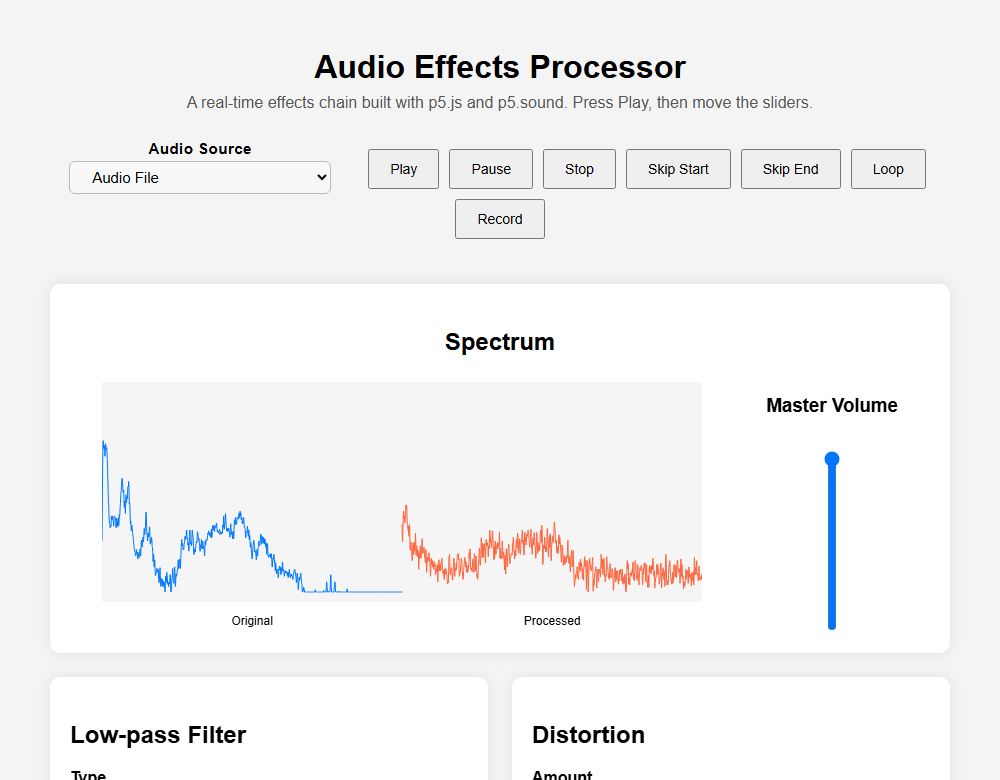
Audio effects processor with spectrum display and effect controls

Audio Effects Processor

A real-time effects chain: low, high or band-pass filter, distortion, delay, compressor and reverb. Compare the original and processed spectrum live, use the microphone as the source, and record the result as a WAV file.

p5.soundWeb AudioFFT
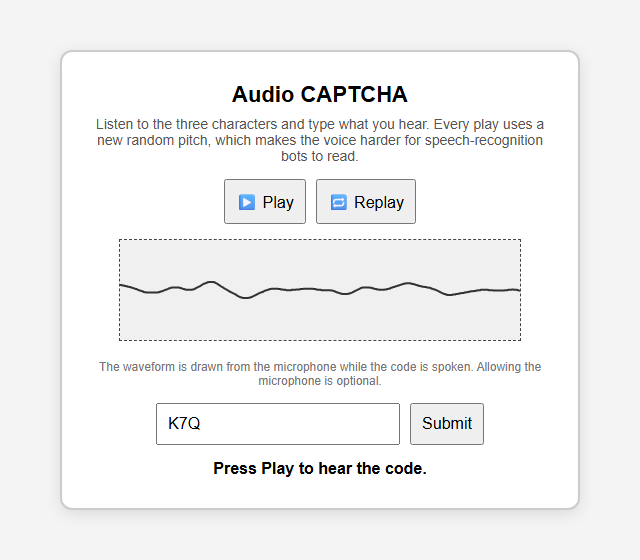
Audio CAPTCHA with play, replay and answer box

Audio CAPTCHA

Speaks a random three-character code at a random pitch so it is harder for speech-recognition bots to read, while a live waveform confirms the sound is playing. Answers like "one two three" and "123" both match.

p5.speechSpeech synthesisAccessibility
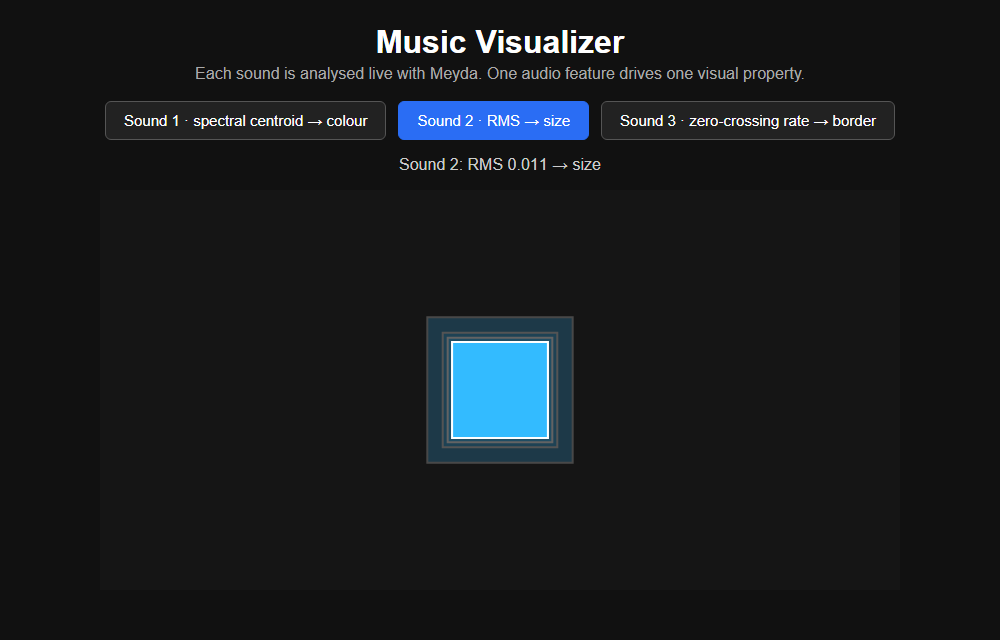
Music visualizer showing a square sized by the sound's loudness

Music Visualizer

Meyda extracts audio features from three sounds as they play. Spectral centroid drives colour, RMS loudness drives size and zero-crossing rate drives the border, with the live values shown above the canvas.

MeydaAudio featuresGenerative visuals
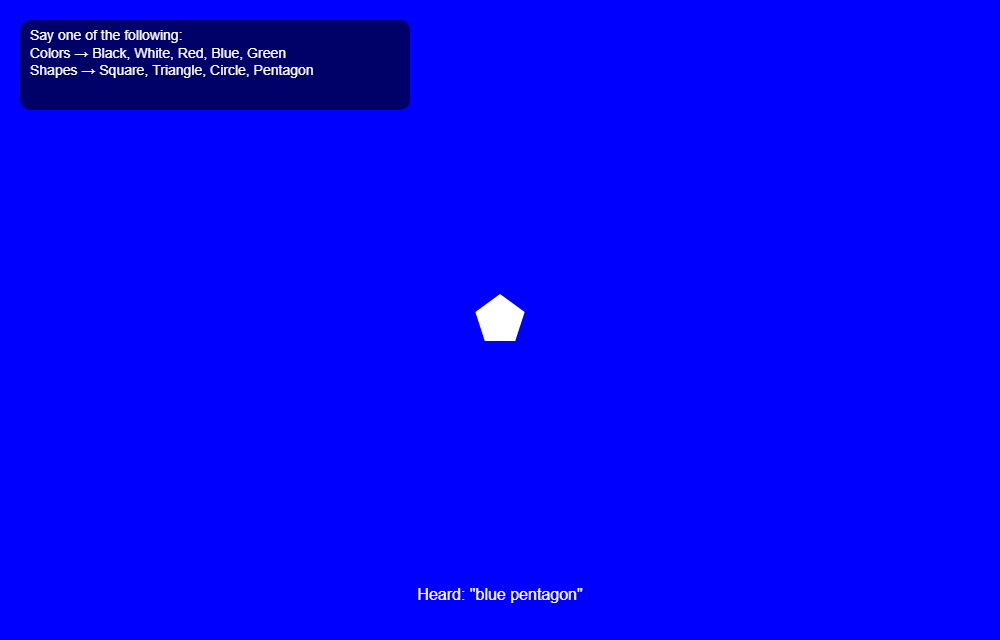
Voice-controlled visualizer with a white pentagon on a blue background

Voice-Controlled Visualizer

Say a colour or a shape and the visual changes while the track plays. The figure pulses with the music's loudness, and the screen shows the words the recogniser heard.

Speech recognitionMeydap5.js

Best in Chrome or Edge on a desktop. Voice control needs one of them. The browser asks for microphone access in the CAPTCHA (optional), in the effects processor when you pick the microphone, and in the voice-controlled visualizer.